A Cleaner TV Setup Without the Hanging Wires
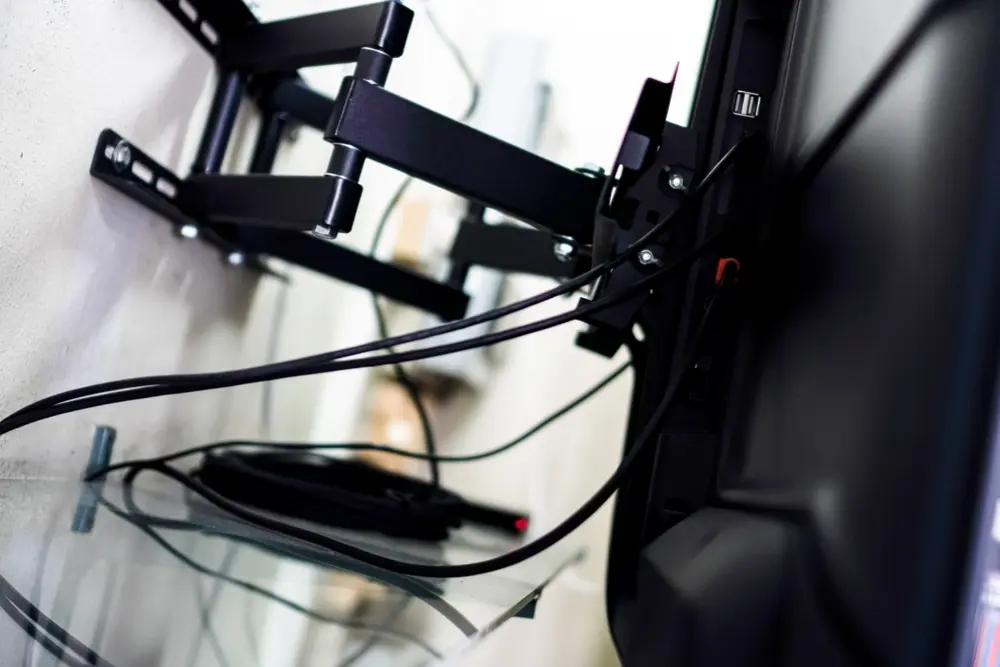
A wall mounted TV can make a room look much neater, right up until you notice the power cable, HDMI leads and extension cord hanging underneath it.
That is why people search for how to hide cables on a wall mounted TV so often. The TV itself looks great, but the world around it sticks out like a sore thumb.
The best solution depends on the wall, the position of the TV and what else needs power nearby. Sometimes cable covers are enough. Sometimes the cleaner answer is to put sockets and connections exactly where the TV needs them.
A Quick Summary
The neatest answer to how to hide cables on a wall mounted TV is usually to plan the power and connections behind the screen. Surface cable covers can work for simple setups, but moving or adding sockets gives a much cleaner finish. Before you mount your TV, check the wall construction, TV height, viewing angle and whether the area can safely accommodate new electrical work.
How to Hide Cables on a Wall Mounted TV
There are a few ways to deal with visible cables.
The simplest is a surface-mounted cable cover. These can be painted to match the wall and work well when you do not want to open up plaster.
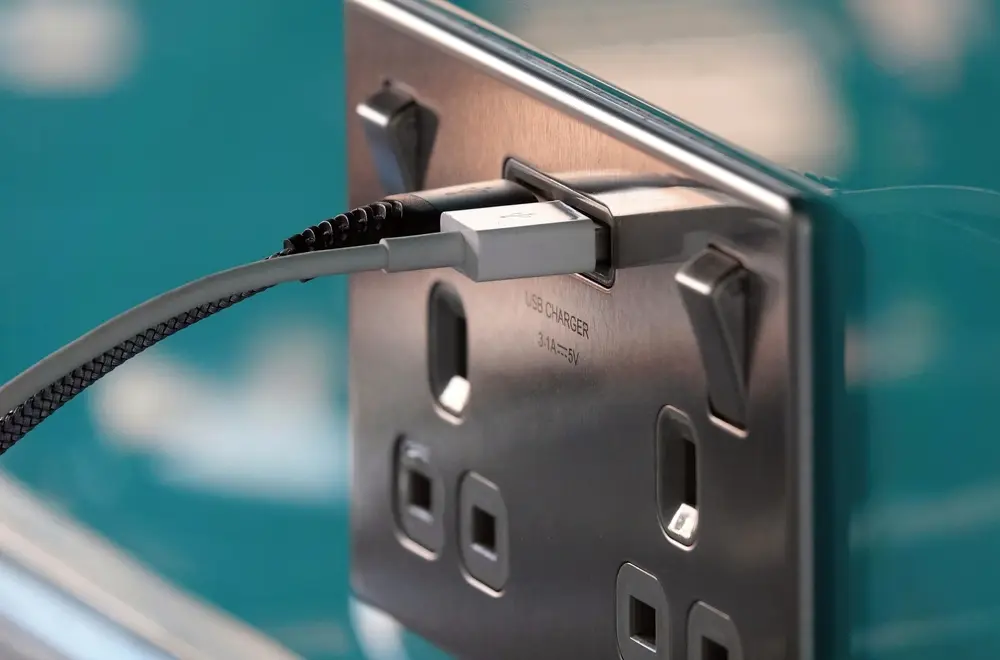
The cleaner option is to run the necessary power and connections behind the wall, with sockets positioned behind the TV screen. This avoids having cables hanging down to an existing socket near floor level.
If you are already decorating, building a media wall or having other electrical work done, it is usually the best time to sort this properly.
The important bit is that mains electrical cables should not simply be pushed into a wall cavity and forgotten about. If power needs moving, get a qualified electrician involved.
How High Should a TV Be Mounted?
There is no single correct height because it depends on the TV size, seating and room layout.
As a general principle, the middle of the screen should be close to eye level when you watch TV from your normal seating position. Mounting the TV higher than necessary can leave you constantly looking upwards, which can lead to neck strain.
Before drilling holes, sit in your usual position and check the proposed viewing angle. A tape measure is more useful here than guessing.
If you are using a full motion bracket, you have more flexibility, but the starting position should still feel comfortable.
Can You Put a TV on a Stud Wall?
Yes, but the fixings matter.
A stud finder can help locate the timber or metal framing behind the plasterboard. The wall brackets need to be secured appropriately for the wall type and the weight of the television.
This is one of those jobs where the wall can look perfectly solid while behaving very differently once you start loading it.
If you are also planning hidden power, a stud wall can actually make cable routing easier, provided the route is planned properly.
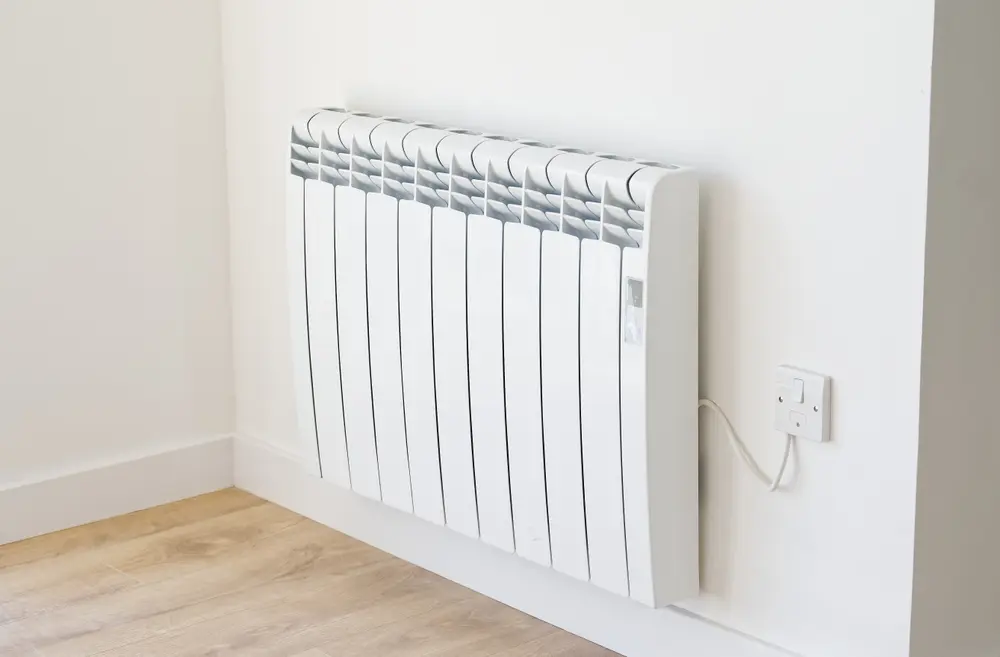
Can You Mount a TV Above a Radiator?
Technically, sometimes. Ideally, though, avoid mounting a TV above a radiator if you have a better option.
Radiators push heat upwards, and prolonged heat around the bottom of the TV is not ideal for electronics. It can also force you to mount the TV higher than is comfortable, which affects the viewing experience.
If the radiator location cannot be changed, check the TV manufacturer’s guidance and think carefully about heat exposure and screen height before committing.
How to Disguise Wires From a Wall Mounted TV
If you do not want to alter the wall, cable covers are the easiest answer. If you want the room to look properly finished, hidden sockets and properly routed cabling are usually better.
This becomes especially important in living rooms with soundbars, games consoles, streaming boxes and other equipment. One wall mounted TV can quickly turn into six cables if the setup is not planned.
How TS Electrical Can Help
TS Electrical can help with the electrical side of a clean TV installation, including adding or moving sockets, providing power behind the screen and helping reduce reliance on extension leads.
If you are planning to mount the TV, build a media wall or simply want to get rid of the visible cable trail, it is worth sorting the electrics before the decorating is finished.
📧 info@tselectricalservice.co.uk
FAQs
How Do You Hide Cables on a Wall Mounted TV?
You can use surface cable covers or, for a cleaner result, have sockets and cabling positioned behind the TV so the wires are hidden from view.
How High Should a TV Be Mounted?
The centre of the screen should usually sit close to eye level from your normal viewing position. The exact height depends on seating and TV size.
Can You Put a TV on a Stud Wall?
Yes, provided the correct fixings are used and the bracket is secured to suitable structural points within the wall.
Can You Mount a TV Above a Radiator?
You can in some situations, but it is generally better to avoid prolonged heat exposure if another location is available.
Can an Electrician Put a Socket Behind a TV?
Yes. An electrician can install a socket behind the screen so the power cable does not need to trail down the wall.
Can HDMI Cables Be Hidden Inside a Wall?
They can be routed through suitable wall spaces, but the cable type and route need to be appropriate for the installation.
Is a Cable Cover a Good Option?
Yes, especially if you do not want to disturb the wall. It will not look as seamless as concealed wiring, but it is a tidy and simple option.
Does a Full Motion Bracket Affect Cable Planning?
Yes. You need enough cable movement for the TV to extend and swivel without pulling on plugs or connections.
Should I Plan TV Wiring Before Decorating?
Yes. It is much easier to add sockets and hide cables before the wall has been freshly plastered or painted.
Can TS Electrical Help With Wall Mounted TV Wiring?
Yes. We can help with sockets, hidden power supplies and the electrical work needed to create a cleaner setup.